Home Assistant × Claude, home automation supercharged by AI
A Home Assistant management layer powered by Claude, letting you create automations in natural language with multi-layer validation.
The project
It’s a system that connects my Home Assistant install to Claude to dramatically speed up managing my home automation. Concretely, it lets me quickly access my setup, add what’s missing, and save a huge amount of time on creating automations. No more hours spent writing YAML by hand, which means I can finally spend time on what actually interests me: the scenarios themselves.
My contributions
Full framework build: multi-layer validation tools, entity registry integration, automated pre-commit hooks, installation scripts for Mac and Windows. I also set up a test suite and the usual code-quality tooling (Black, isort, flake8, mypy, pylint). The idea was for the project to stand on its own, especially for the weeks I don’t come back to it.
Takeaways
Integrating an LLM into a real dev workflow genuinely changes the productivity game. Obviously it doesn’t replace thinking, but it removes a lot of friction. Multi-layer validation is essential when you generate configuration automatically, because a broken YAML in Home Assistant can take down a whole lot at once. And Home Assistant, under the hood, is a very rich ecosystem, but complex to master, which takes time.
Context
Personal project. YAML configuration for Home Assistant is powerful but time-consuming and error-prone. The idea was to combine AI and home automation to automate what can be, without giving up the power of the system underneath.
Tech stack
-
Python 3.12+
-
Home Assistant / YAML
-
Claude Code (AI)
-
Voluptuous / PyYAML
-
pytest / pre-commit
-
Black / isort / flake8 / mypy / pylint
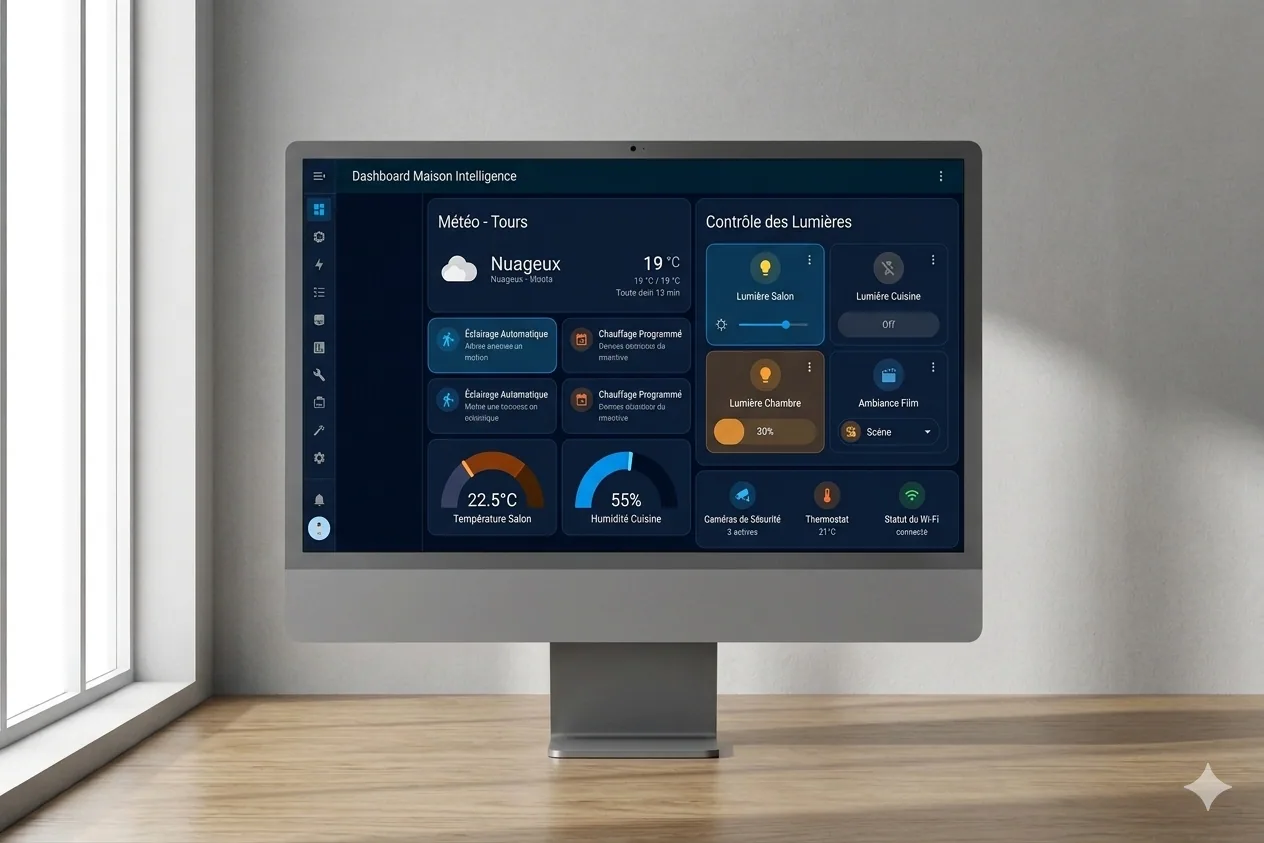
Cover image generated by Nano Banana (Google), since I no longer have the mockup template I used before. So it’s not a screenshot of the actual tool.